Physical access and login
You reach an ONYX switch the same way you reach any switch: console cable or SSH. Console is always your first option during bring-up or when SSH is not working.
Console settings: 115200 baud  -  8N1  -  No hardware flow control
Connector: Micro-USB (front panel) on QM9700, RJ45 on Q3400
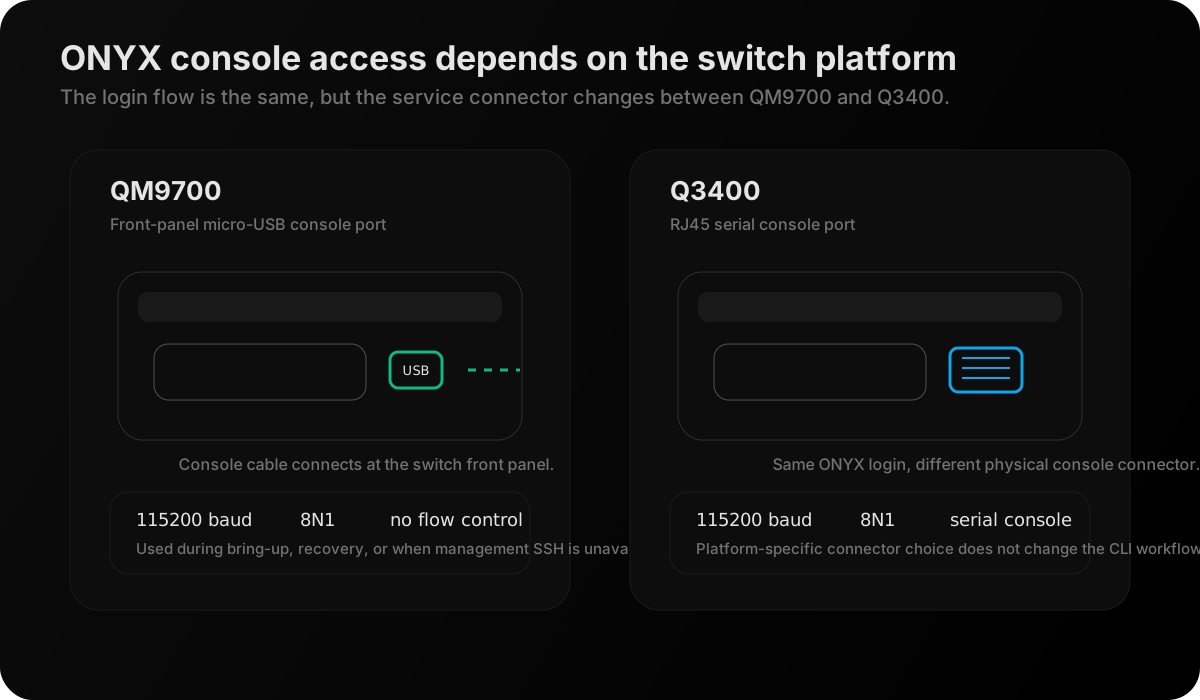
Figure: Console-access schematic for the two ONYX platforms named in this chapter. QM9700 exposes front-panel micro-USB console access, while Q3400 uses an RJ45 serial console port.
The ONYX login sequence:
ONYX - Mellanox Networks
switch login: admin
Password: admin

switch >
You land in user mode. For any diagnostic command you need to enter privileged mode:
switch > enable
switch #
For configuration (rare in IB operations):
switch # configure terminal
switch (config) #
The first commands after login:
switch # show version
Product name:      ONYX
Product release:   3.11.2012
Build ID:          #1-dev
Build date:        2024-08-12 08:15:54
Target arch:       x86_64
Built by:          jenkins@...

switch uptime:     17 days, 4:23:11
System memory:     8192 MB total, 5847 MB free
Swap:              0 MB total, 0 MB free
Management IP:     10.0.1.1/24

Slot 1:
  Product name:    QM9700
  Part number:     MQM9700-NS2F
  Revision:        A9
  Serial number:   MT2327X12345
  Firmware version: fw-QM9700-rel-24_03_0216-...
Product release: 3.11.2012 -- The ONYX software version. Check NVIDIA's release notes for this version for known bugs affecting your deployment.
switch uptime: 17 days -- If uptime is unexpectedly low, the switch rebooted recently -- check the event log for why.
Firmware version: fw-QM9700-rel-24_03_0216 -- The ASIC firmware version. This is different from the ONYX OS version. Both matter for bug fixes and compatibility.
ONYX CLI mode structure
switch # _enable modePrivileged mode. Full access to all show commands, clear commands, and diagnostic tools. This is where you spend 95% of your time on ONYX.
Type: enable (from user mode)Type: disable (back to user) or exit